AI-Augmented Reconnaissance: Mastering LLM Dorking in 2026
Learn how to combine Large Language Models with advanced Google search operators to uncover exposed credentials and vulnerabilities at machine speed.
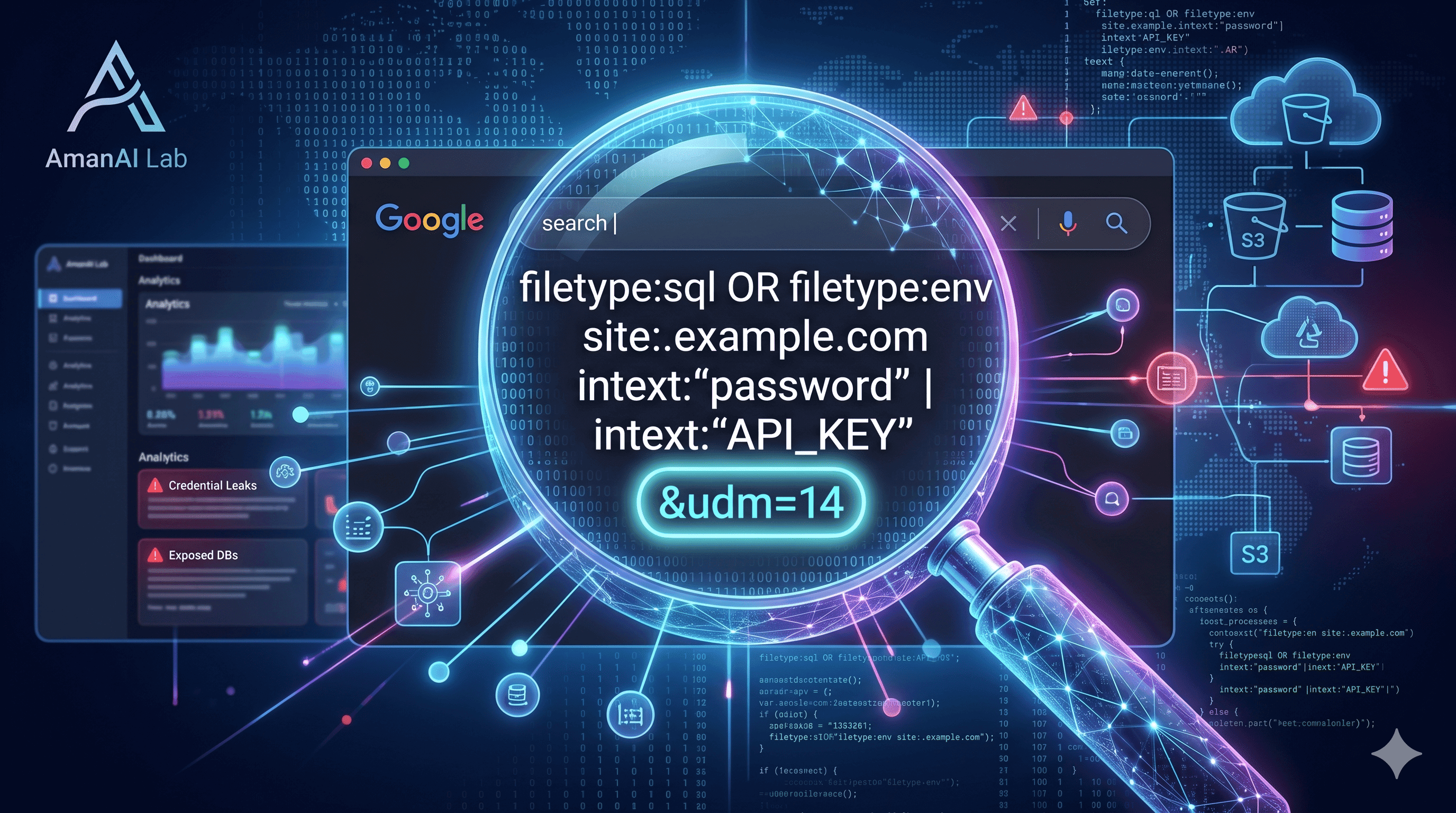
AI-Augmented Reconnaissance: Mastering LLM Dorking in 2026
Google Dorking—the technique of using advanced search operators like site:, inurl:, and filetype: to find indexed sensitive information—has been a staple of cybersecurity for decades. However, as we move into 2026, the arrival of frontier models like Claude Mythos has transformed this manual "hack" into an industrial-scale threat known as LLM Dorking.
What is LLM Dorking?
Traditional dorking requires a human to guess where a developer might have made a mistake. LLM Dorking replaces human intuition with AI reasoning. Modern AI agents can now "read" developer intent, predicting precisely which misconfigurations are likely based on a company's tech stack.
By combining LLM reasoning with automated search APIs, threat hunters can now:
Generate Surgical Queries: LLMs can create thousands of variations of search strings targeting specific vulnerabilities like SQL injection or exposed
.envfiles.Filter Noise at Scale: AI agents can autonomously scan the results of a dork, filtering out "benign" content and identifying high-value targets (like real database passwords) in seconds.
The scale of this issue is significant: a 2026 study found that 43% of organizations have at least one internet-facing vulnerability discoverable through these advanced search methods.
The 2026 Game-Changer: The udm=14 Parameter
The most critical update for dorking in 2026 is Google’s introduction of new User Display Mode (udm) parameters.
As AI Overviews (AIOs) began to dominate search results, they often "hid" the raw technical links that cybersecurity researchers need. To bypass the AI summaries and force Google to show classic, raw web links, researchers now use the udm=14 parameter. This "Web Mode" has become essential for OSINT (Open Source Intelligence), as it provides the un-summarized data required to find leaked credentials or hidden directory listings.
Practical Application: The 2026 "Secret Hunter" Dork
For security professionals at AmanAI Lab, auditing your own attack surface is the first step in a "Zero-Time Remediation" strategy.
The Command to Run:
Paste the following string into your Google search bar to find recently indexed environment files that may contain AWS keys or database passwords, specifically using the 2026 "Web Mode" bypass:
site:github.com | site:pastebin.com | site:s3.amazonaws.com intext:"AWS_SECRET_ACCESS_KEY" | "DB_PASSWORD" filetype:env after:2026-01-01 &udm=14
What this command does:
site: Limits the search to GitHub, Pastebin, and Amazon S3 buckets.
intext: Looks for the specific text strings typically found in secret files.
filetype:env: Targets environment configuration files, which are high-value targets for credential theft.
after:2026-01-01: Ensures you are only looking at the most recent leaks.
&udm=14: Forces Google into "Classic Web" mode to see raw links instead of AI summaries.
Protecting Your Infrastructure
As discovery moves at "machine speed," your defense must follow suit. To protect your website from being indexed by malicious AI dorks, you should:
Disable Directory Listing: Ensure your web server does not allow users to view your file structure (the infamous
index of /page).Audit Your Robots.txt: Use your
robots.txtfile to instruct search engines which sensitive directories should not be indexed, but remember that malicious crawlers may ignore these rules.Use Secrets Management: Never store credentials in
.envfiles that are committed to public repositories. Use dedicated tools like AWS Secrets Manager or HashiCorp Vault.
The era of "AI Persistent Threats" (AiPT) is here. Regular self-auditing with these advanced dorks is no longer optional—it is a core component of modern digital hygiene.
Enjoyed this article?
Join 500+ AI developers getting weekly tips, news and resources from AmanAI Lab.
No spam. Unsubscribe anytime.
Discussion
Sign in to comment →Join the discussion
Sign in with your AmanAI Lab account — it takes 30 seconds.